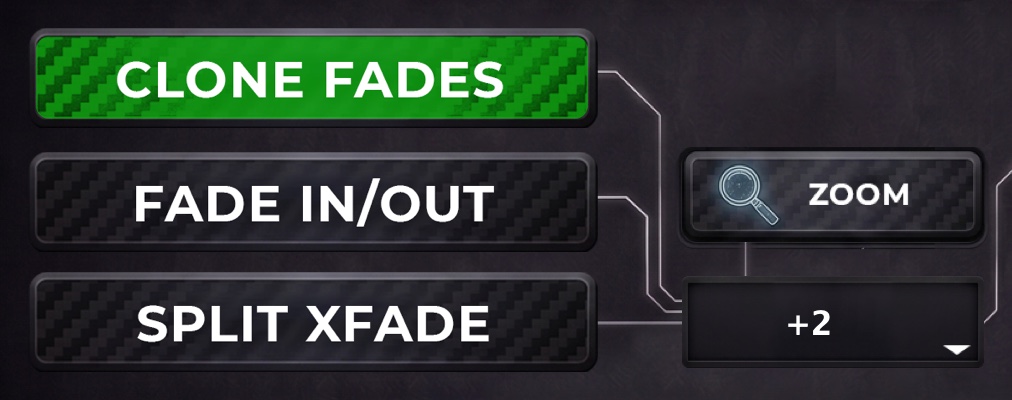
Clone your fades
Copy the fades of the reference as they are, or let Ambience Cutter extend every cut and fade it in and out, centred on the cut if you prefer.
01 / How it works
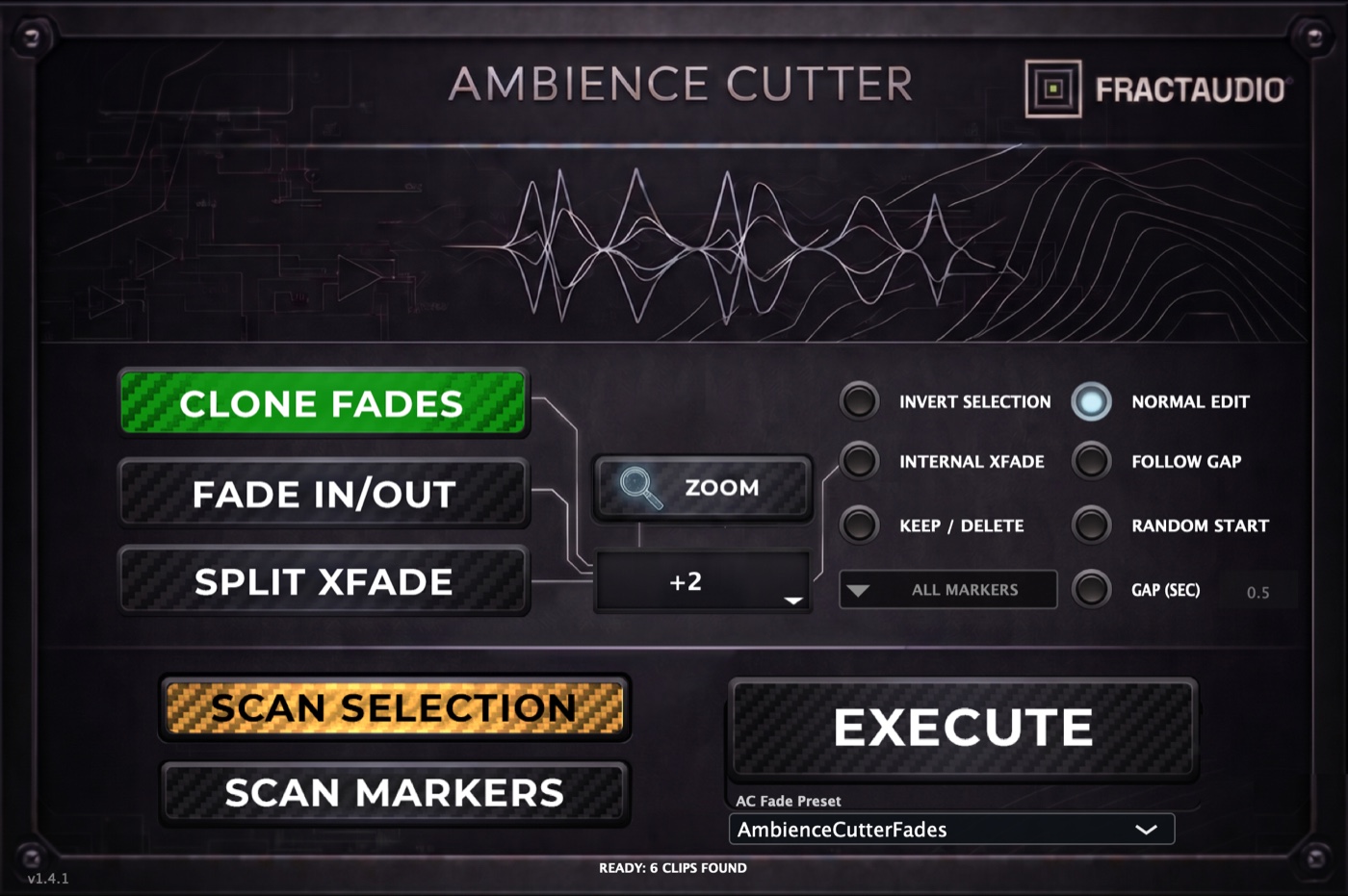
Smart editing, then refine: Ambience Cutter does the bulk of the edit for you, and you fine-tune the details.
Select the clips you already cut to picture on one track, or a range of markers, and press Scan.
Select the ambience files you want to edit, on one track or on many.
Press Execute: your layers follow the cuts and fades of the reference. Then refine the details by hand.
02 / See it in action
Marker rulers, the material toggles, and the same plug-in on Mac and Windows.
03 / What it does
Everything is explained step by step in the user guide.
Copy the fades of the reference as they are, or let Ambience Cutter extend every cut and fade it in and out, centred on the cut if you prefer.
Scan one track, execute on as many tracks as you select, mono, stereo or multichannel.
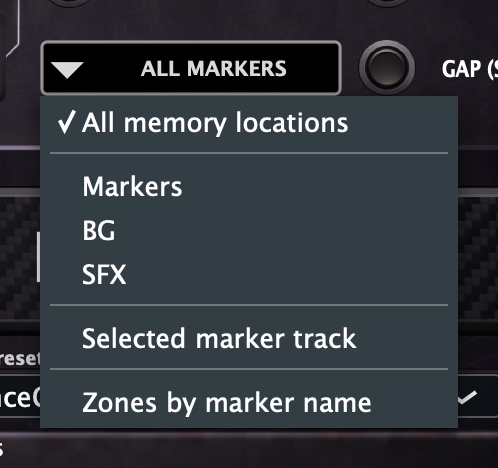
Place clips on markers, or fill the space between them. Choose all memory locations, one marker ruler, or a marker track.
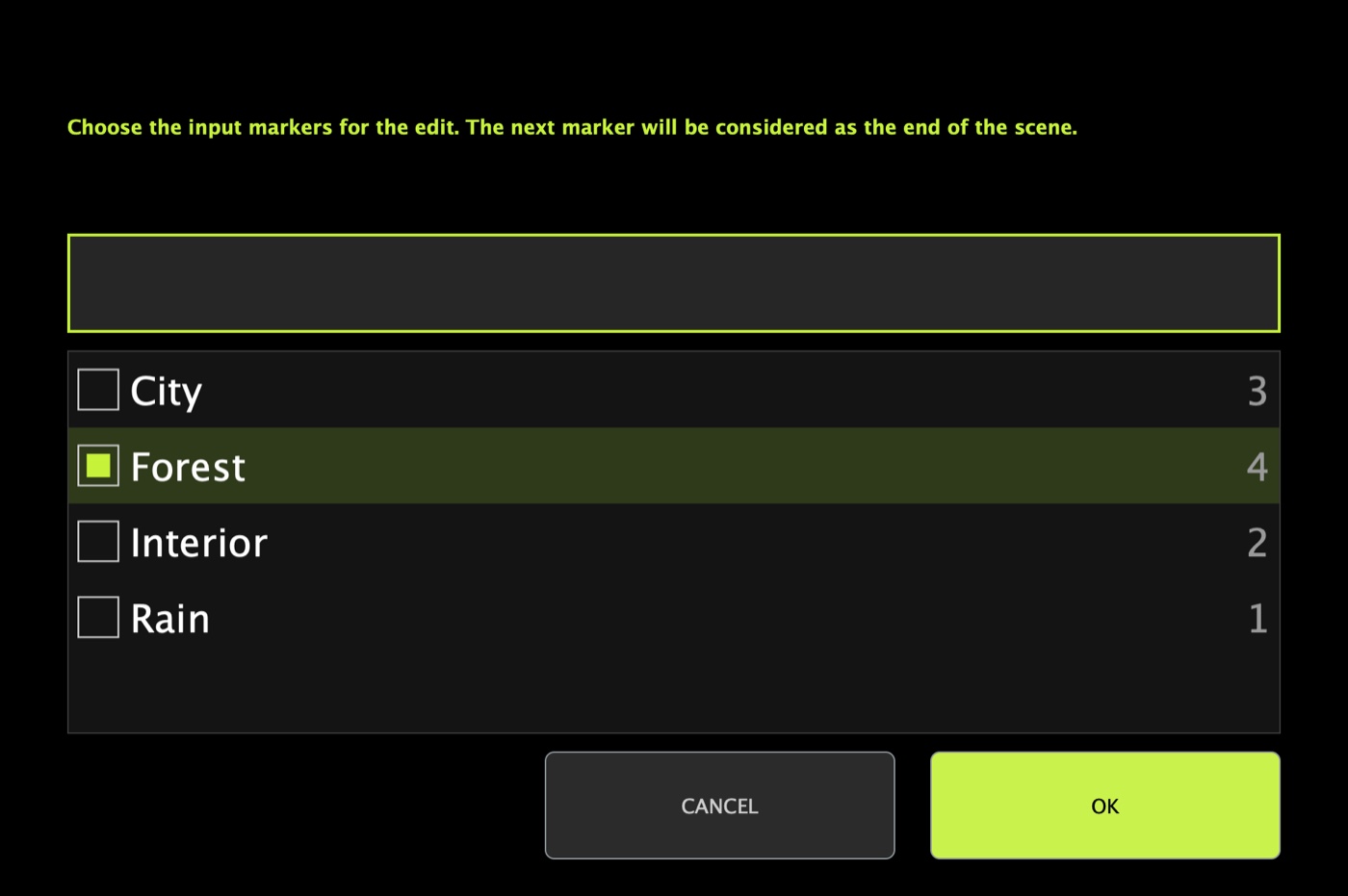
Name your markers by scene or place, pick a name, and every zone that starts with it is filled in one go.
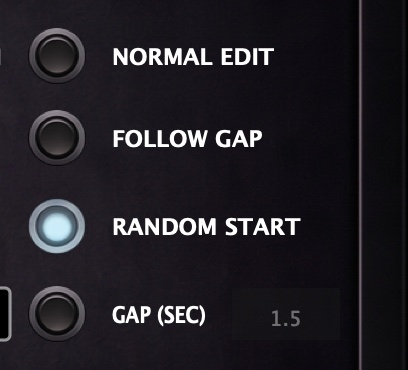
Use the source continuously, follow the gaps, start each clip at a random point, or skip a fixed time between clips.
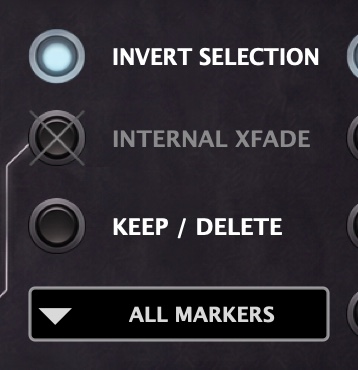
Invert Selection fills the gaps between the reference clips instead of the clips: the other half of an alternating edit, from the same scan.
04 / Compatibility and price
An AAX plug-in that runs inside Pro Tools, with the same features on both systems.
05 / Questions
No. It cuts, moves and fades clips in your Pro Tools session, exactly as you would by hand. Your original audio files are never changed.
Pro Tools 2024.6 or later. On 2024.6 itself Ambience Cutter can't create fades, and can't edit in one pass clips that don't share the same start and end on several tracks. From the next versions on, everything works.
Create an account, download the installer and start the 14-day trial from the plug-in with your email. All features are included. If you buy during the trial, click ACTIVATE LICENSE in the plug-in and enter your key.
Yes. A license is active on one computer at a time. Go to My account > Licenses, release the old machine, then activate the license on the new one.
The user guide explains every button, toggle and menu, with pictures. For anything else write to support@fractaudio.com.