
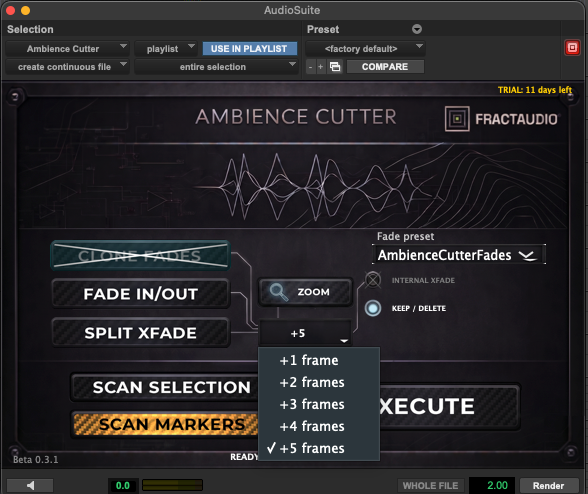
Ambience Cutter
Ambience Cutter, Native AAX Pro Tools Plugin.
It automates one of the most repetitive tasks in post-production: cutting, moving and creating fades, or replicating the edit structure of a reference track across multiple ambience/background layers.
Make a timeline selection, press Scan, press Execute. That’s it. Have more time to listen.
What it does:
-
Reads all clips on a track within the selection
-
Replicates the exact cut and position
-
Creates fades based on your plugin settings, or clones fades from the scanned clips
-
Snaps a sequence of clips onto memory location markers within the selection
Built by a working sound editor for real post-production sessions.
Compatibility and Pro Tools: Ambience Cutter is available for Mac and Windows as AAX, both share the exact same features.
A minimum of Pro Tools 2024.6 is required, and this specific version has some limitations regarding simultaneous editing on multiple clips that are not aligned with each other (in this case, the plugin will warn you of the limitation). From the subsequent Pro Tools version up to the 2026 versions, you can execute on multiple clips placed on multiple tracks, even if they don’t share the same start and end points.